Technology Stack
Frontend
- React 18 - UI library
- Bootstrap 5 - CSS framework
- React Router v6 - Routing
- Axios - HTTP client
- Context API - State management
Backend
- Node.js 18+ - Runtime
- Express.js - Web framework
- TypeScript - Type safety
- JWT - Authentication
- node-cron - Scheduling
Database & Testing
- MySQL 8.0 - Database
- mysql2 - Connection pooling
- Jest - Test framework
- Supertest - API testing
- 40% code coverage
Application Screenshots
Scroll horizontally to view all screenshots
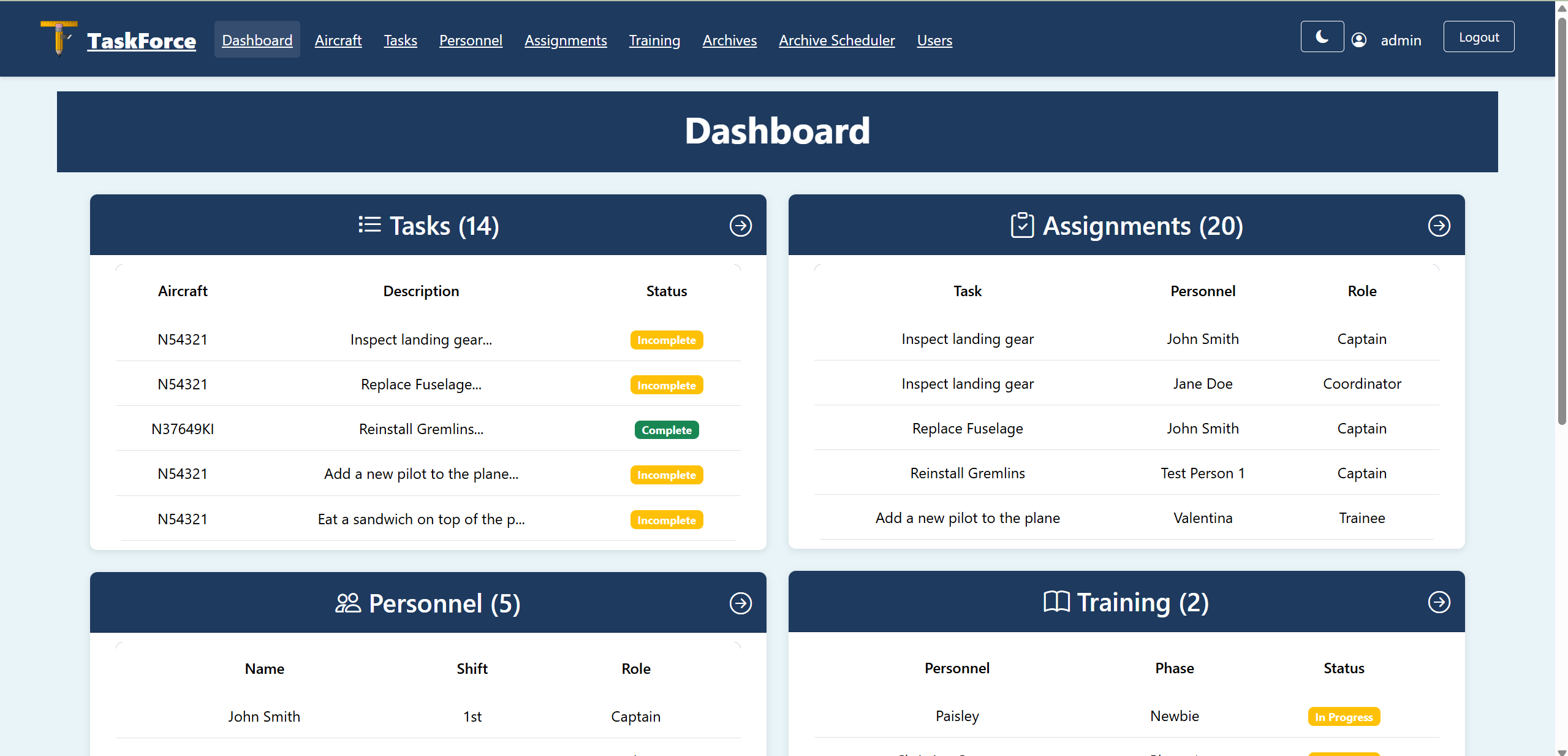
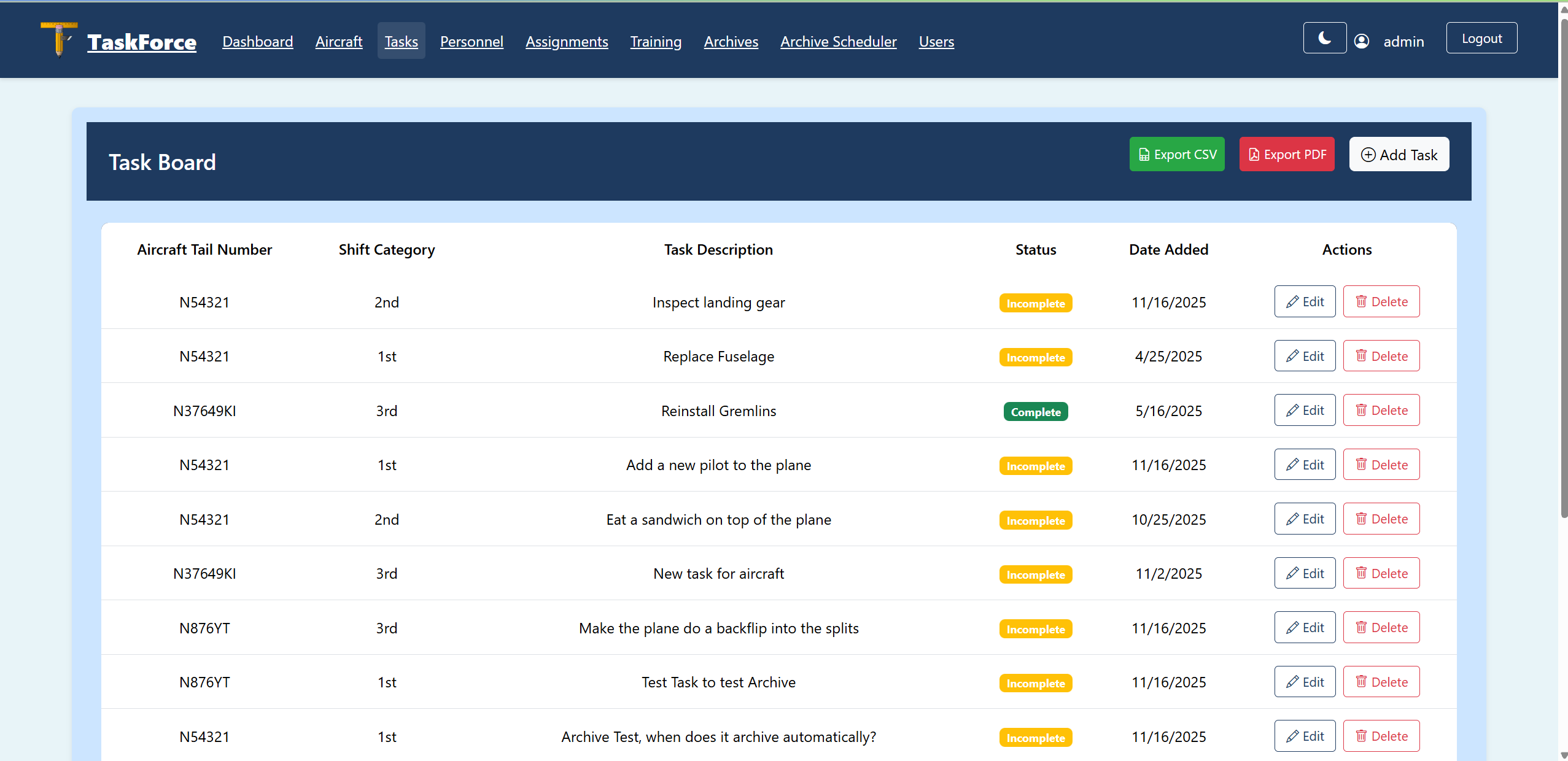
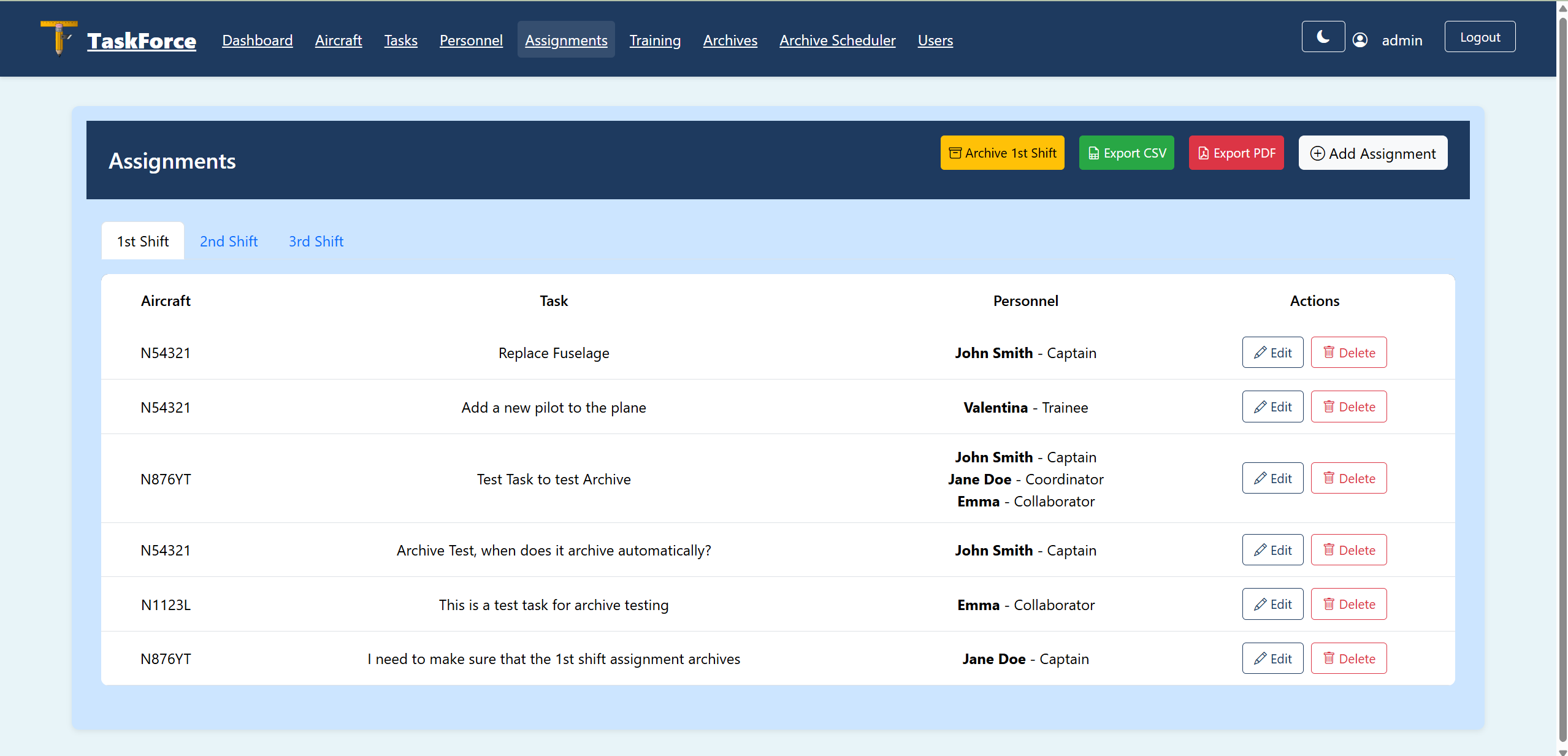
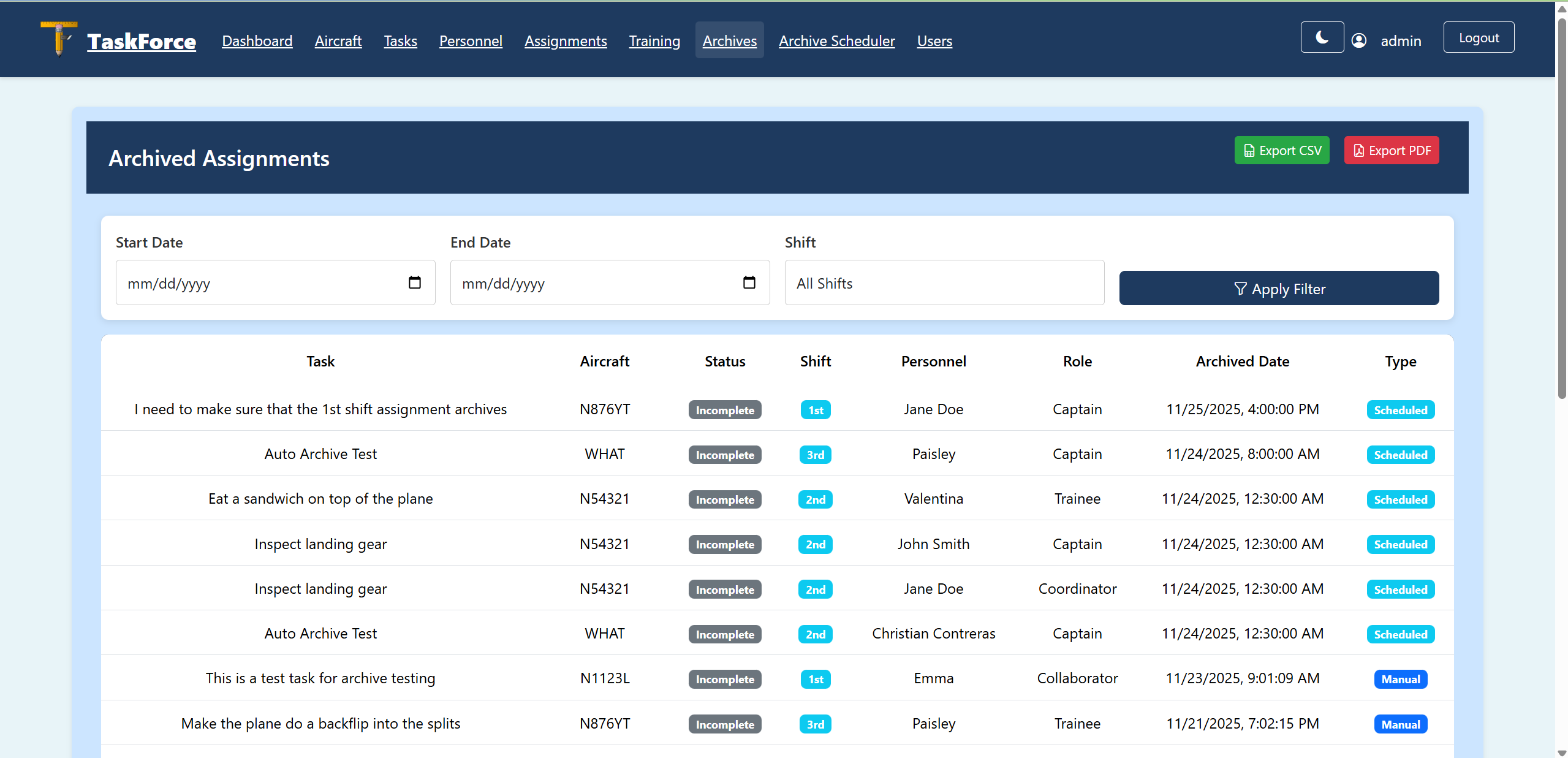
Project Demonstration
Demonstration showcasing all major features, code walkthrough, and challenges overcome
One of the challenging aspects was implementing shift-based filtering to prevent accidental cross-shift assignments. When creating an assignment from a specific shift tab, the system automatically filters both tasks and personnel to show only matching shift options.
Frontend Implementation (CreateEditAssignment.jsx)
// Filter tasks based on active shift
const filteredTasks = activeShift
  ? tasks.filter(t => t.shift === activeShift)
  : tasks;

// Filter personnel based on active shift
const filteredPersonnel = activeShift
  ? personnel.filter(p => p.shift === activeShift)
  : personnel;
Backend Validation (tasks.controller.ts)
// Validate shift matching
if (taskShift !== personnelShift) {
  return res.status(400).json({
    message: `Shift mismatch: Task is ${taskShift} shift but ` +
             `personnel is ${personnelShift} shift`
  });
}
Why This Was Challenging: Required coordinating state between multiple components, preserving context through navigation, and validating on both frontend and backend.
Challenges Overcome
1. CRON Scheduler Timezone Configuration
Challenge: The scheduler wasn't running at expected times because node-cron defaults to UTC timezone.
Solution: Implemented timezone configuration using process.env.TZ and added comprehensive logging for diagnostics.
Learning: Always consider timezone implications when working with scheduled tasks.
2. Comprehensive Error Handling
Challenge: Users received unhelpful "Request failed with status 500" errors.
Solution: Added field-level validation on both frontend and backend with specific, actionable error messages.
Learning: Good error handling is crucial for user experience.
3. Maintaining Shift Context Through Navigation
Challenge: Users would lose their selected shift tab when navigating between pages.
Solution: Implemented navigation state preservation using React Router's location.state.
Learning: User workflows should be intuitive and preserve context.
How to Run the Project
Prerequisites
- Node.js 18 or higher
- MySQL 8.0 or higher
- Git
Installation Steps
# Clone repository
git clone https://github.com/chenschool/TaskForce.git
cd TaskForce

# Database setup (MySQL must be running)
# 1. Create the main database
mysql -u root -p < scripts/taskforce_tracker.sql

# 2. Create the test database
mysql -u root -p < scripts/taskforce_test.sql

# Backend setup
cd TaskforceAPI
npm install

# Configure .env file with database credentials
# Create a .env file with the following:
# DB_HOST=localhost
# DB_USER=root
# DB_PASSWORD=your_password
# DB_NAME=taskforce_tracker
# DB_TEST_NAME=taskforce_test
# JWT_SECRET=your_secret_key
# PORT=5000

npm run dev

# Frontend setup (new terminal)
cd react_taskforce
npm install
npm start

# Access at http://localhost:3000
Default Login Credentials
| Role | Username | Password |
|---|---|---|
| Manager | admin | admin123 |
| Supervisor | supervisor | password |
| Guest | guest | password |